Smart home design, energy efficiency, and connected lighting guidance.

Author: Juan Gansales

  • How to Create a Smart Home Budget: Essential Considerations

    How to Create a Smart Home Budget: Essential Considerations

    How to Create a Smart Home Budget: Essential Considerations

    Smart home projects are easiest to enjoy when the budget is clear before the shopping starts. The idea sounds simple enough: pick a few useful devices, wire them up, and call it a day. In practice, the total cost usually includes hardware, installation, subscriptions, and the occasional “why does this need a separate hub?” moment.

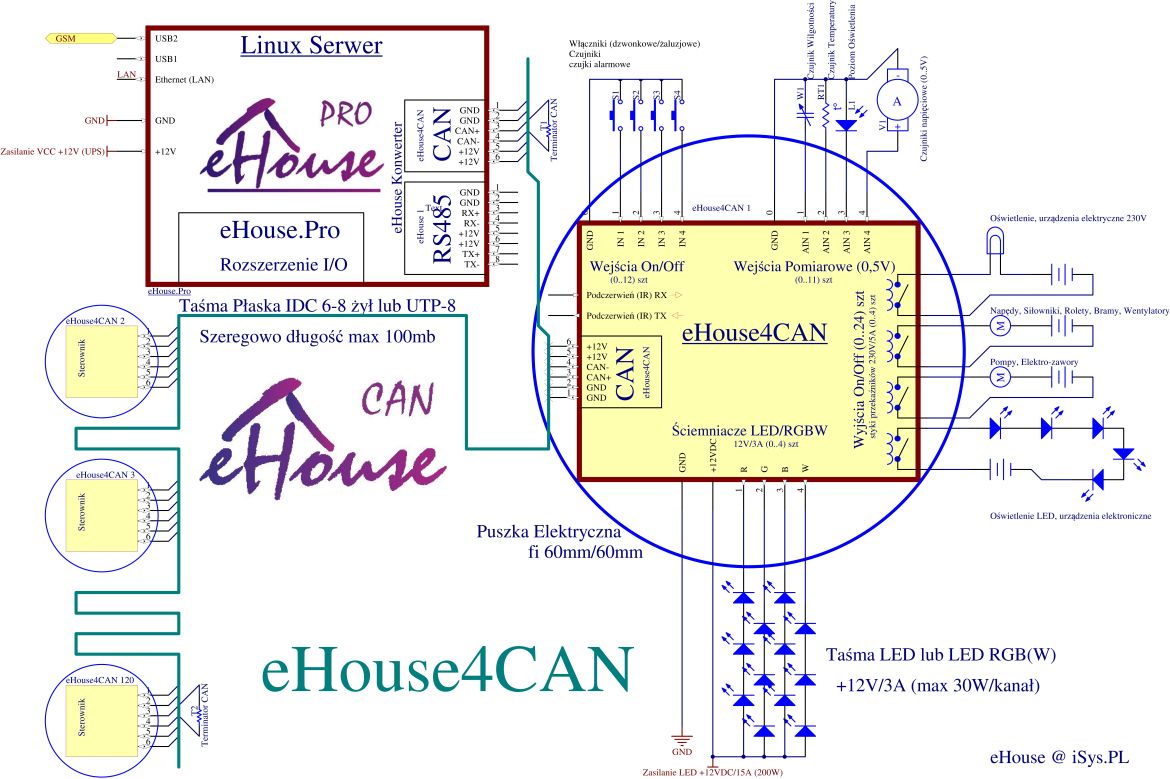
    Smart home budgeting diagram showing devices, installation, subscriptions, and energy savings
    A smart home budget should account for more than the sticker price of the devices.

    This guide breaks down the main expenses, shows where the long-term value can come from, and offers practical ways to keep spending under control. If you want broader context on the site, start with the home page or browse more advice in the blog.

    Introduction to Smart Home Budgeting

    Smart home technology covers devices and systems that automate or simplify tasks around the house: lighting, security, climate control, entertainment, and routine monitoring. The benefit is convenience, but the real win is usually a better match between the home and the way people actually live in it.

    Budgeting matters because smart home costs can spread across several categories. One household may spend more on security and sensors, while another prioritises energy management or lighting. A realistic budget keeps the project from becoming a pile of half-installed gear and a very determined credit card bill.

    Key Expenses to Consider

    The first cost is the hardware itself. Devices can be relatively affordable on their own, but a fuller setup may include a hub, bridge, controller, or compatible accessories. For a useful overview of common device categories, the CNET smart home guide is a solid starting point.

    Common upfront costs include:

    • smart lights, switches, plugs, and dimmers
    • smart speakers or control panels
    • thermostats, sensors, and security devices
    • network equipment, hubs, or bridges
    • professional installation for wired devices or more complex systems

    Installation is the next line item to watch. Some products are genuinely DIY-friendly. Others are a proper nightmare if they involve mains wiring, awkward mounting, or compatibility checks with older systems. If you are evaluating a more advanced setup, the U.S. Department of Energy’s smart homes overview is useful for understanding where home automation can support energy use and where planning matters most.

    Do not forget ongoing costs. These may include:

    • cloud storage or monitoring subscriptions
    • security service fees
    • battery replacements
    • software updates or app-based premium features
    • replacement hardware after a device reaches end of life

    Maintenance is not dramatic, but it is real. The cheapest device can become expensive if it needs constant troubleshooting, a separate app, or periodic replacement because the manufacturer has moved on. The question is not just “what does it cost today?” but “what will I still need to pay for in two years?”

    Balancing Cost and Benefits

    The best smart home purchases tend to solve recurring problems. That is where the value starts to make sense. Energy-focused devices, for example, can reduce waste by helping households control lighting and heating more precisely. The Energy Saver programme from the U.S. Department of Energy offers practical context on home energy efficiency more broadly.

    When weighing cost against benefit, ask three questions:

    • Will this save money, time, or effort in a measurable way?
    • Will the benefit still matter after the novelty wears off?
    • Does this device fit the way the household already behaves?

    Convenience has value too, even if it is harder to quantify. A reliable smart lock, a light that turns on automatically in the hallway, or a thermostat that adapts to your schedule can all remove small friction points. Individually they are modest. Taken together, they can make the home feel less fiddly, which is usually the real selling point.

    If you are trying to decide whether a device is worth it, compare it with the cost of doing nothing. Sometimes the answer is obvious. Sometimes it is less a financial decision and more a quality-of-life one. Both are valid, as long as you are honest about which one you are buying.

    Tips for Saving Money

    There are a few reliable ways to keep a smart home budget under control without cutting all the useful parts out of it.

    • Start small. Add devices in stages so you can confirm what actually helps before expanding.
    • Prioritise essential upgrades. Focus on the rooms or routines that matter most, such as lighting, entry access, or temperature control.
    • Look for bundles. Starter kits and multi-device packs often cost less than buying everything separately.
    • Use DIY where it is sensible. Simple plug-in devices and app-based setups can usually be handled without a contractor.
    • Check compatibility first. A device that does not work with your existing ecosystem can add hidden costs fast.

    It also helps to avoid buying for edge cases. A gadget that is impressive in a demo but rarely used at home is usually a luxury feature, not a budgeting priority. That distinction saves money, and occasionally saves a shelf from becoming a graveyard of shiny boxes.

    For another practical angle on household automation and usability, see How to Make Smart Home Controls Easy for the Whole Family. Budgeting and usability should be planned together; otherwise you end up with expensive technology that nobody wants to touch.

    Conclusion

    A good smart home budget is not about finding the cheapest possible setup. It is about choosing devices and services that provide clear value, fit the household, and stay manageable over time. When you include purchase price, installation, subscriptions, and upkeep, you get a much more realistic picture of the true cost.

    Start with one clear use case, set a limit, and buy only what supports that goal. Then review the results before expanding. That approach is slower than buying everything at once, but it is far less expensive than building a house full of half-used features.

    If you are planning your own setup, make a shortlist, write down the total cost, and compare it with the benefit you expect to get. That is usually enough to separate a useful investment from an expensive hobby.

  • How AI Is Making Smart Homes More Efficient and Responsive

    How AI Is Making Smart Homes More Efficient and Responsive

    Why AI is becoming practical in smart homes

    Smart home features used to mean timers, app toggles, and the occasional voice command that worked only when the stars aligned. AI changes the job of the system. Instead of waiting for a manual rule, it can look at patterns: when people are home, how rooms warm up, when lights are actually used, and which devices keep waking up the network for no good reason.

    That shift matters because the best smart home automation is no longer about novelty. It is about doing ordinary things a little better: keeping rooms comfortable, trimming wasted energy, and making controls easier to live with. For a useful overview of the underlying platform direction, see the Google Home developer platform and Amazon’s current Alexa smart home documentation.

    Home automation dashboard showing energy-saving controls

    What AI adds beyond basic routines

    Traditional automation is rule-based. If the time is 7:00 a.m., do X. If motion is detected, do Y. That works, up to a point. AI goes a step further by using data from sensors, schedules, and past behaviour to predict what should happen next.

    • Predictive scheduling: learning when a household usually changes temperature or lighting.
    • Anomaly detection: spotting unusual device behaviour, such as a thermostat fighting with open windows or a light that keeps toggling for no obvious reason.
    • Adaptive scenes: adjusting a room based on occupancy, time of day, and brightness instead of one fixed rule.

    The useful distinction is simple: timers wait, AI infers. One is fine for a porch light. The other becomes valuable when a house has several rooms, several occupants, and a few too many devices holding the whole thing together with digital tape.

    Energy efficiency use cases that actually matter

    The strongest case for AI in the home is energy management. The International Energy Agency notes that AI can help optimise building heating and cooling and improve electricity flexibility when it is deployed well. That is a careful claim, and the caution matters. AI is not magic. It is a control layer that can reduce waste when the inputs and devices are good enough.

    Here are the most practical examples:

    • Heating and cooling optimisation: learning how long a home takes to warm up or cool down, then starting earlier or later as needed.
    • Smart lighting: dimming or switching off based on actual room use, daylight, and time patterns. If you want a deeper look at that side, see Smart Lighting Solutions.
    • Load shifting: nudging flexible appliances or charging windows away from peak demand when the system supports it.

    Apple’s EnergyKit documentation reflects the same broader direction: home energy features are increasingly about awareness, not just remote switching.

    Comfort and convenience without the gimmicks

    The best comfort features are the ones people stop noticing. Predictive scenes can prep the house for a usual wake-up time. Occupancy awareness can keep energy use down in empty rooms. Adaptive controls can respond when the weather changes faster than the family group chat does.

    Good AI in a smart home should do three things:

    1. Reduce the number of taps required for common actions.
    2. Make the home feel responsive without constant manual correction.
    3. Stay understandable enough that guests and family members do not need a user manual to turn on a lamp.

    If the system needs a weekly ritual of re-training and apologising, it is probably overdesigned.

    Security and reliability: useful, but not automatic

    AI can improve security by highlighting unusual activity, surfacing alerts faster, and reducing false positives when sensors are noisy. But security is not an automatic win just because the word “AI” is attached to it. Reliability still depends on device quality, network stability, and how much of the system needs the cloud to breathe.

    For many homeowners, the real question is not “Is it smarter?” but “What happens when the internet is flaky, the app logs out, or the vendor changes the rules?” That is where local control, manual overrides, and clear privacy settings become important.

    For a platform-level reference on home control concepts, the HomeKit documentation is a useful starting point.

    What to look for in a smart home system

    If you are comparing systems, focus on behaviour, not marketing. The label is easy; the integration is the hard part.

    What to check Why it matters
    Interoperability Devices from different brands should work together without a pile of workarounds.
    Local control Useful automations should still work when the cloud is slow or unavailable.
    Energy insights Look for clear usage data, not just colourful charts.
    Privacy controls Know what is stored, what is processed locally, and what is shared externally.

    You can also tie this thinking back to broader design choices on Innovative Smart Home Designs and the site’s wider focus on Energy Efficiency and Sustainability.

    A simple homeowner checklist to get started

    Do not start by trying to automate everything. That is how you end up with a home that is technically impressive and mildly exhausting.

    • Pick one goal first: lower heating waste, better lighting, or easier routines.
    • Check whether your existing devices support the same platform or standard.
    • Start with a small set of rooms, not the whole house.
    • Choose devices with clear manual overrides.
    • Review energy reports after a few weeks and adjust the rules.

    If you are unsure where to begin, it helps to sketch your current routines before buying more gear. A smart home should fit the household, not the other way round. If you want help thinking through the basics, use the contact page to reach out.

    Conclusion

    AI is making smart homes more efficient and responsive in a fairly unglamorous way: by noticing patterns, reducing waste, and making useful automation less fiddly. The most valuable upgrades are usually not the flashiest ones. They are the ones that save energy, smooth out daily routines, and stay reliable when nobody is in the mood to troubleshoot a thermostat at 10 p.m.

    If you choose carefully, AI can turn a smart home from a collection of gadgets into a system that actually behaves like a system.